 Vault
VaultSaves logins as you sign in
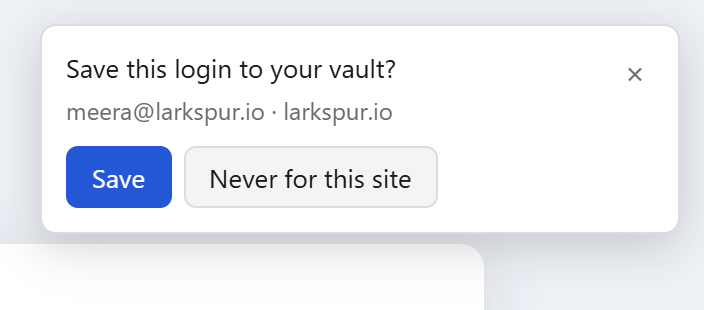
Sign in anywhere and Vault offers to save it. Change a password on a site and it offers to update the saved one.
Free autofill for Chrome. Your vault is encrypted in your browser, so only you can read it.
Sign in anywhere and Vault offers to save it. Change a password on a site and it offers to update the saved one.
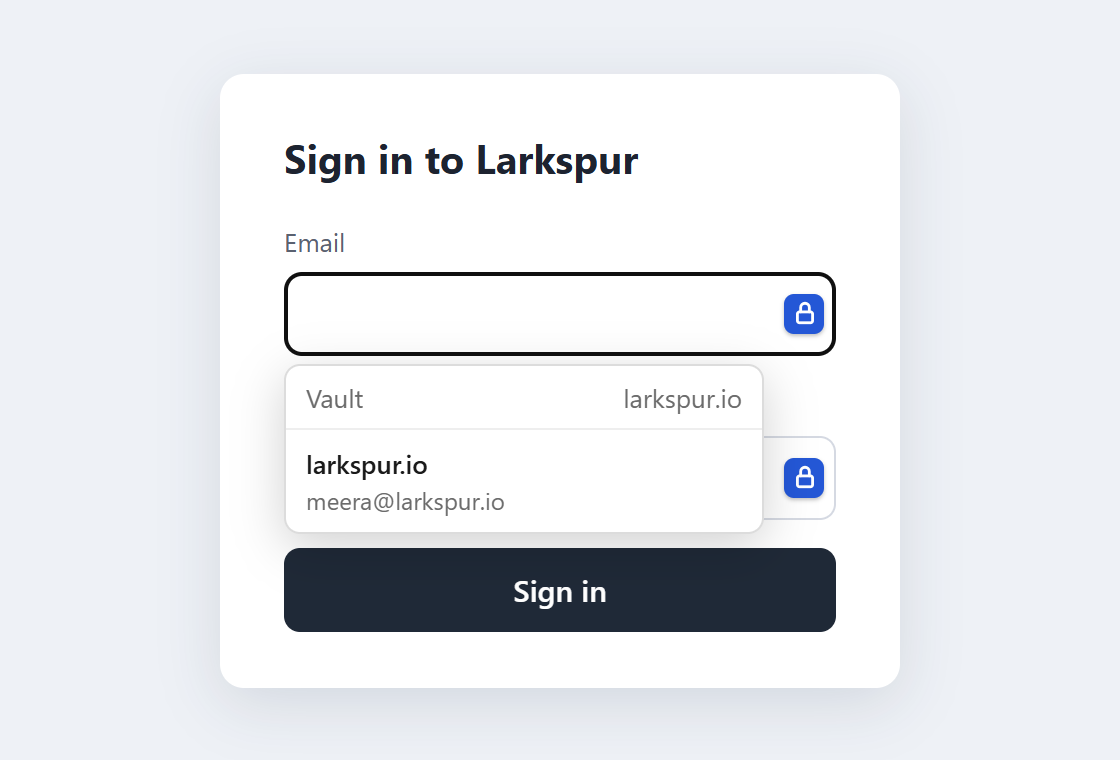
A lock icon appears in login fields. Pick the account and you're in. Or press Ctrl+Shift+L.
Import the CSV export from LastPass, Chrome or Bitwarden. Duplicates are skipped automatically.
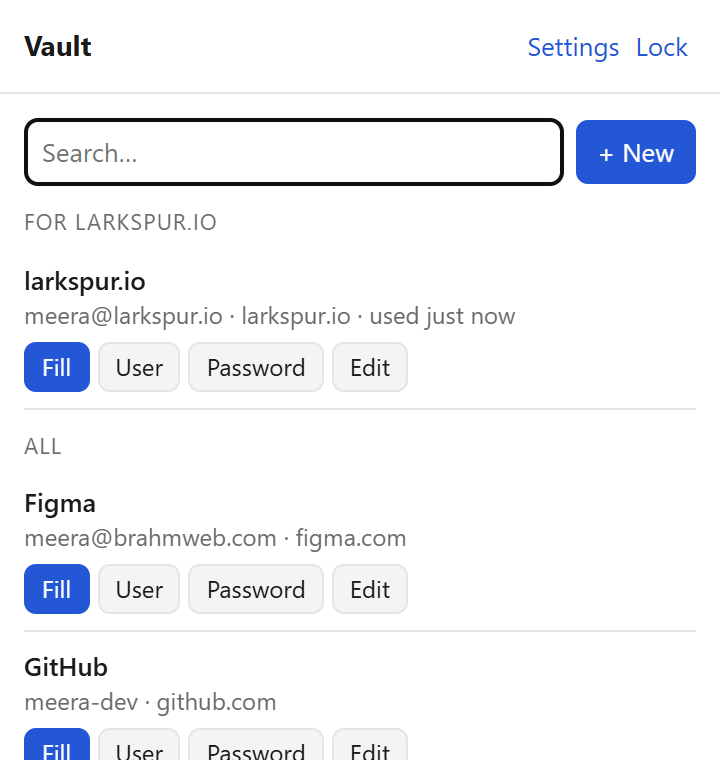
Search, edit and export everything from the web vault, even where the extension isn't installed.
No trial, no card, no cap on how many passwords you save.
Create free accountIt never leaves your computer. Not even we get a copy.
600,000 rounds of PBKDF2-SHA256 make guessing it extremely slow.
Every login is sealed with AES-256-GCM before upload. Our servers can't read it.
The flip side: if you forget your master password, nobody can recover your vault. Keep a written copy somewhere safe.
chrome://extensions and turn on Developer mode (top right).Works in Chrome, Edge, Brave and other Chromium browsers. A Chrome Web Store listing is on the way, which will make this a single click.
Yes. Your personal vault is free, with unlimited passwords. Shared team vaults are coming later as an optional extra.
No. Everything is encrypted in your browser with a key made from your master password, and the master password is never sent to us. We store data we can't read.
Your vault can't be recovered, by you or by us. That's the price of real end-to-end encryption. You can delete the account and start a new one.
In LastPass, go to Account options, Advanced, Export. Then in Vault, open Settings, Import, and pick the file. Delete the exported file afterwards, since it holds your passwords in plain text.
Yes. The server runs on any Node.js host with Postgres. Enter your own server address in the extension's settings.